Configuring VPS to Access Home LAN via WireGuard
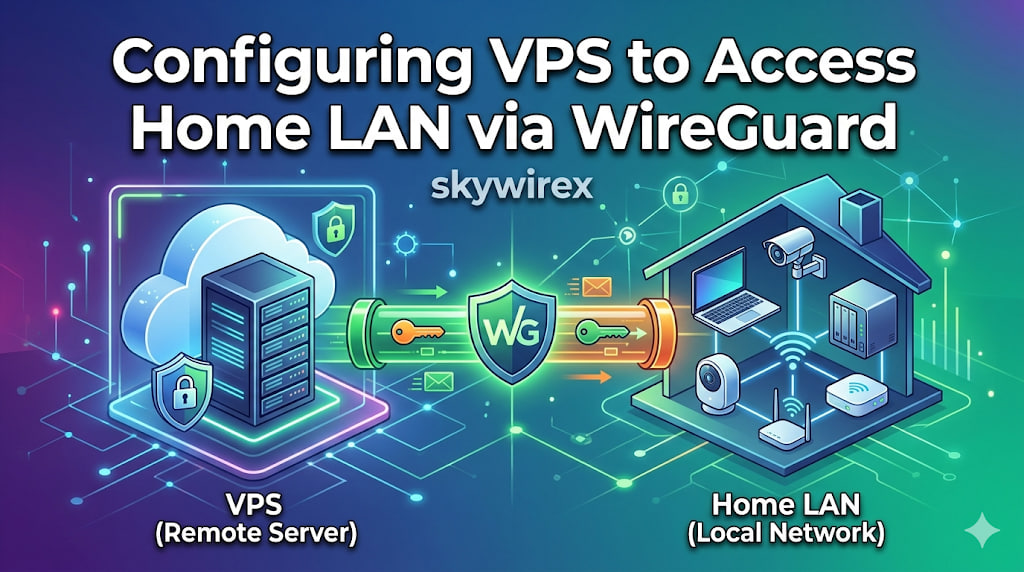
This guide provides a comprehensive walkthrough on establishing a secure WireGuard VPN connection between a Virtual Private Server (VPS) and a MikroTik router, enabling seamless access to your home Local Area Network (LAN) from your VPS. It details the necessary configurations for both the VPS and the MikroTik device, covering crucial steps such as WireGuard interface creation, peer setup, IP address assignment, routing, firewall rules, and Network Address Translation (NAT). By following these instructions, you will be able to securely extend your home network’s reach to your VPS, allowing you to interact with LAN devices as if you were directly connected.