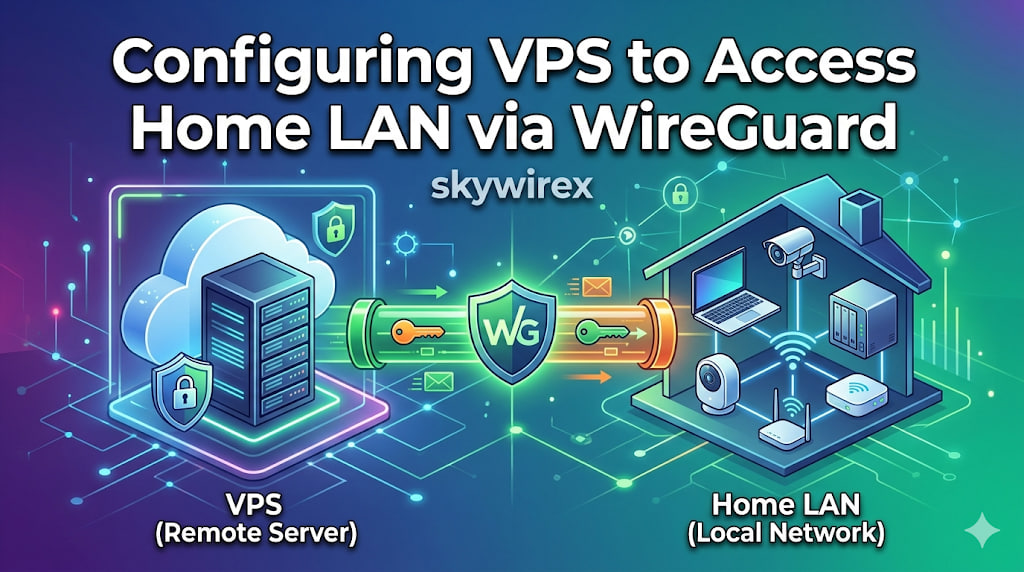
Route VPS Traffic Through Home WireGuard with LAN Access
This article explains a setup where a VPS sends traffic through a home Internet connection using WireGuard, while still allowing access between the VPS and the home LAN.
Topology Internet <-> MikroTik (pppoe-out1) - Dynamic home IP via DDNS <-> WireGuard tunnel VPS (203.0.113.10) - wg0: 10.10.2.1/24 <-> LAN 172.16.0.0/24 1. VPS - /etc/wireguard/wg0.conf [Interface] Address = 10.10.2.1/24 ListenPort = 51820 PrivateKey = <private_key_vps> PostUp = iptables -A FORWARD -i %i -j ACCEPT; iptables -t nat -A POSTROUTING -o eth0 -j MASQUERADE; iptables -A FORWARD -o %i -j ACCEPT PostDown = iptables -D FORWARD -i %i -j ACCEPT; iptables -t nat -D POSTROUTING -o eth0 -j MASQUERADE; iptables -D FORWARD -o %i -j ACCEPT [Peer] # MikroTik PublicKey = <public_key_mikrotik> AllowedIPs = 0.