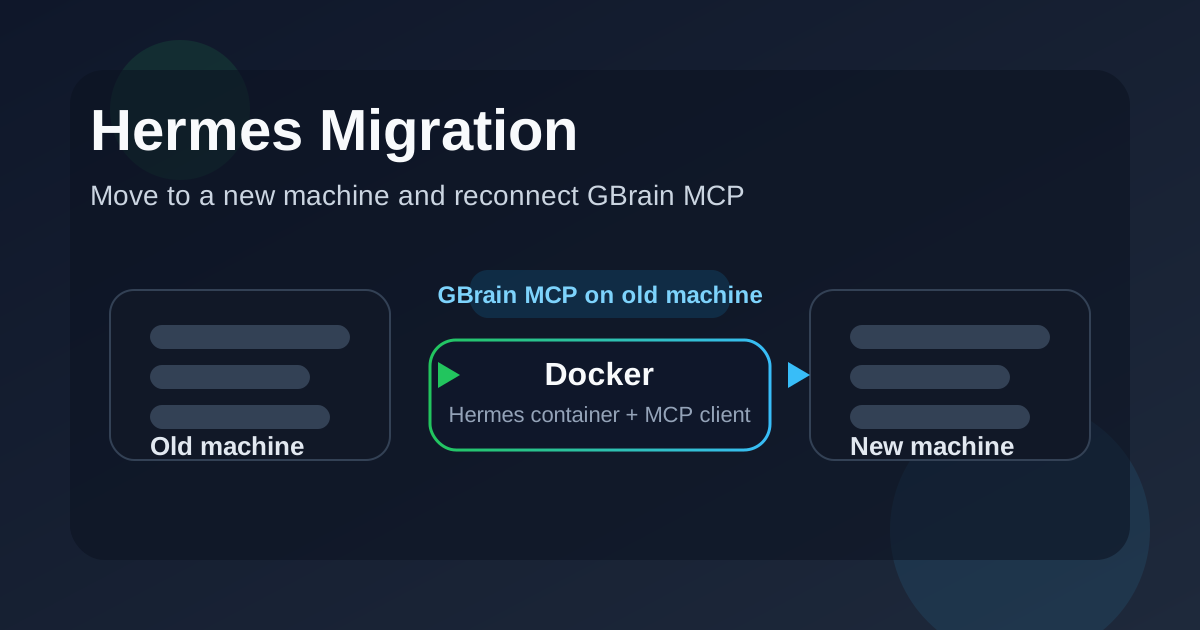
This article explains how to move Hermes to a new machine while keeping the deployment simple and stable. The two machines are assumed to already be reachable over the network, so the only connectivity checks we need are basic ping, SSH, and container-level verification.
The main goals are:
keep the Hermes data intact, copy the Docker project to the new machine, update the GBrain MCP endpoint, remove any Docker network settings that are no longer needed, verify that Hermes can still reach GBrain after the migration.
1. Installation Open Zoo Code → click ⚙️ → choose Edit Global MCP (for all projects) or Edit Project MCP (saved in .roo/mcp.json).
Paste the following config into the file:
{ "mcpServers": { "gbrain": { "type": "streamable-http", "url": "http://gbrain:7333/mcp", "headers": { "Authorization": "Bearer YOUR_TOKEN" } } } } Note: If the server uses SSE (legacy), change "type" to "sse". Try streamable-http first.
2. Connection check 2a. In the Zoo Code UI Click ⚙️ → view the list of MCP servers Green dot = connection OK Red dot = error → hover to see the message 2b.
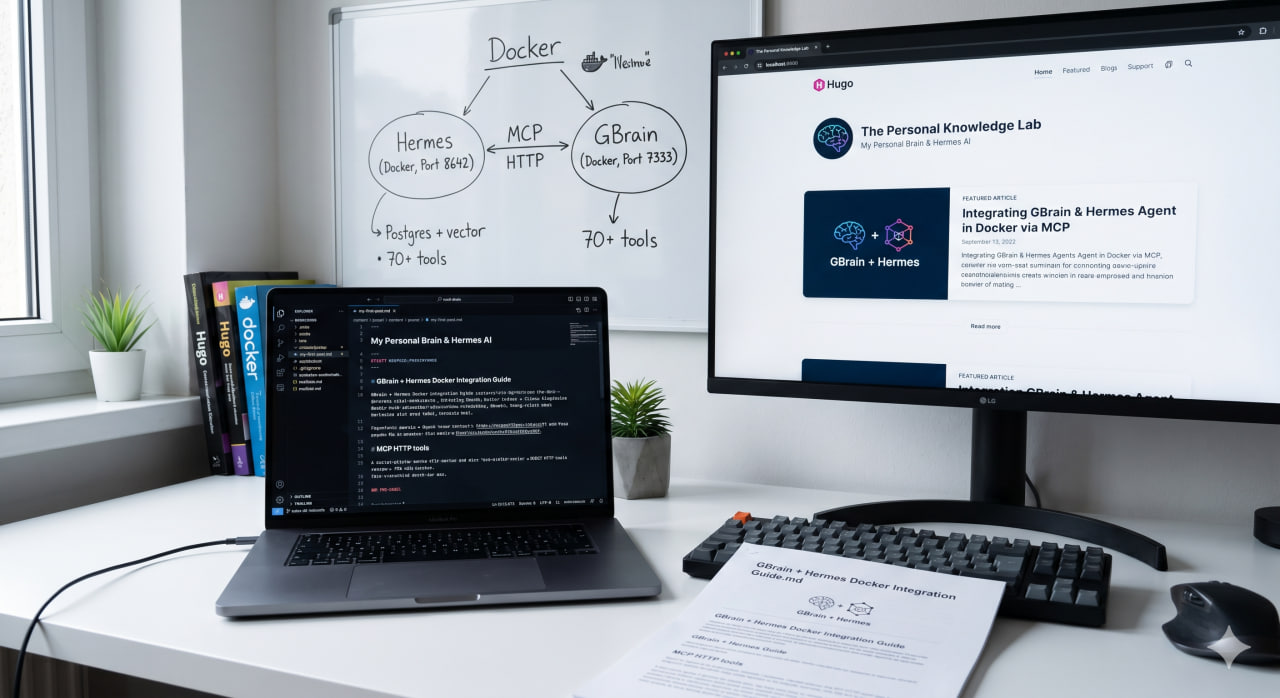
This guide shows how to run GBrain as a personal knowledge brain in Docker and connect it to Hermes AI Agent over MCP HTTP. Once connected, Hermes can access more than 70 knowledge, search, graph, and code-intelligence tools exposed by GBrain.
The latest updates are available in the current repository: https://github.com/magicstone1412/docker-gbrain. You can use this repository to set up GBrain with Docker quickly.
This article is the first workflow you can use to understand how the GBrain MCP setup works with Docker.