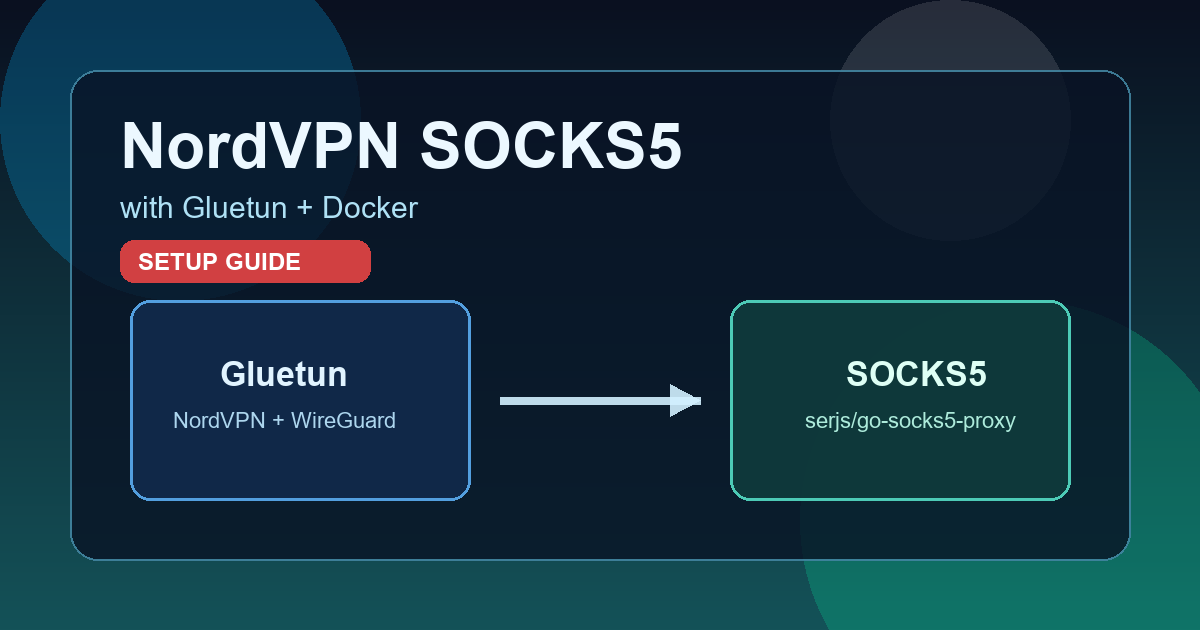
If you need a SOCKS5 proxy from a NordVPN WireGuard configuration, Gluetun alone is not enough.
Gluetun does not provide built-in SOCKS5 support. It offers an HTTP proxy and Shadowsocks, so the correct approach is to run a dedicated SOCKS5 container and make it share Gluetun’s network stack.
1. Get your NordVPN token (<YOUR_NORDVPN_TOKEN>) You can generate this token from your Nord Account:
Sign in to your Nord Account dashboard.
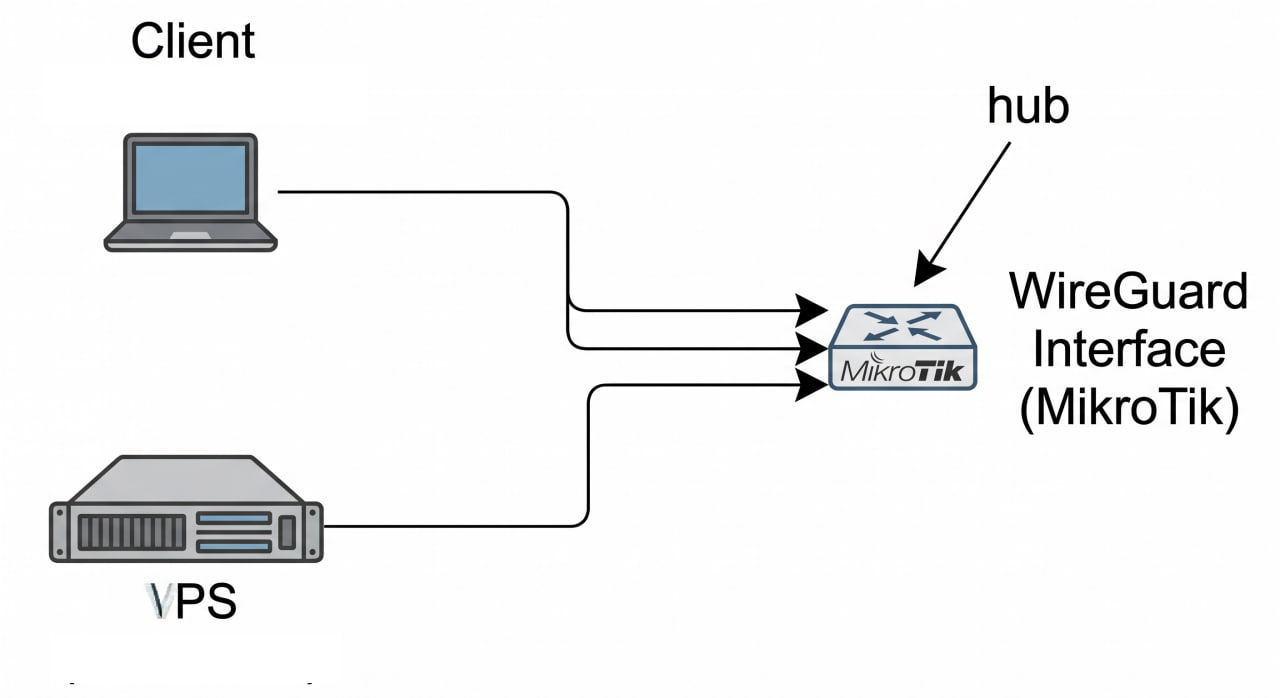
This post summarizes a real debugging and configuration process to make two WireGuard peers ping each other through a MikroTik router acting as the central hub.
Context Topology:
Peer A (Client) (10.10.0.10) --+ +--> WireGuard Interface (MikroTik) <-- hub VPS (10.10.2.1) ---------------+ Environment:
MikroTik router acts as the WireGuard hub, with 10.10.0.1/24 on the WG interface. Peer A (Client) connects to WG with 10.10.0.10/32. VPS connects to WG with 10.
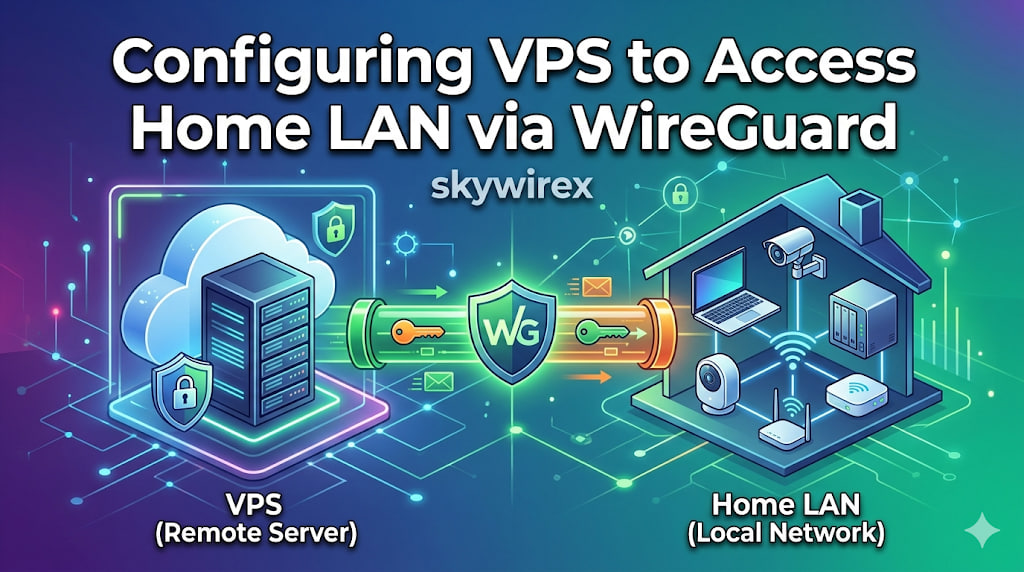
This article explains a setup where a VPS sends traffic through a home Internet connection using WireGuard, while still allowing access between the VPS and the home LAN.
Topology Internet <-> MikroTik (pppoe-out1) - Dynamic home IP via DDNS <-> WireGuard tunnel VPS (203.0.113.10) - wg0: 10.10.2.1/24 <-> LAN 172.16.0.0/24 1. VPS - /etc/wireguard/wg0.conf [Interface] Address = 10.10.2.1/24 ListenPort = 51820 PrivateKey = <private_key_vps> PostUp = iptables -A FORWARD -i %i -j ACCEPT; iptables -t nat -A POSTROUTING -o eth0 -j MASQUERADE; iptables -A FORWARD -o %i -j ACCEPT PostDown = iptables -D FORWARD -i %i -j ACCEPT; iptables -t nat -D POSTROUTING -o eth0 -j MASQUERADE; iptables -D FORWARD -o %i -j ACCEPT [Peer] # MikroTik PublicKey = <public_key_mikrotik> AllowedIPs = 0.
This guide provides a comprehensive walkthrough on establishing a secure WireGuard VPN connection between a Virtual Private Server (VPS) and a MikroTik router, enabling seamless access to your home Local Area Network (LAN) from your VPS. It details the necessary configurations for both the VPS and the MikroTik device, covering crucial steps such as WireGuard interface creation, peer setup, IP address assignment, routing, firewall rules, and Network Address Translation (NAT). By following these instructions, you will be able to securely extend your home network’s reach to your VPS, allowing you to interact with LAN devices as if you were directly connected.
There are many ways to run a service at fixed intervals on Debian, such as: cron, anacron, systemd timers, at, and sleep loop.
1. Create the script (if it doesn’t exist) Make sure you have your script ready. For example, wg-auto-reconnect.sh as shown at the end of this article:
sudo nano /usr/local/bin/wg-auto-reconnect.sh Paste the script content and grant it execute permissions:
sudo chmod +x /usr/local/bin/wg-auto-reconnect.sh 2. Create a Systemd Service Create a systemd service file for the script.
Chạy Wireguard trên Alpine linux là một trải nghiệm thú vị. Bài viết này sẽ được chia làm 2 phần, phần thứ nhát sẽ hướng dẫn cài đặt Wireguard ở phía server. Phần thứ 2 của bài viết sẽ hướng dẫn bạn chạy Wireguard client trên Alpine linux. Cả hai phía trong hướng dẫn đều sử dụng bản phân phối Alpine. Tuy nhiên ở phía client bạn có thể sử dụng trên bất kì hệ điều hành nào mà Wireguard hỗ trợ.
_______ ________ __ | |.-----.-----.-----.| | | |.----.| |_ | - || _ | -__| || | | || _|| _| |_______|| __|_____|__|__||________||__| |____| |__| W I R E L E S S F R E E D O M OpenWRT is a customized firmware platform supported on many router models. Replacing the manufacturer’s default firmware with OpenWRT gives you far greater flexibility in configuring your router and installing additional packages.
Bài viết này giả sử bạn đã có một server chạy Wireguard và một file cấu hình Wireguard cho Client đã hoạt động.
Cài đặt WireGuard trên OpenWRT Cài đặt gói để OpenWRT hỗ trợ WireGuard SSH vào thiết bị OpenWRT và chạy những lệnh sau để cài đặt Wireguard:
opkg update
opkg install luci-proto-wireguard luci-app-wireguard wireguard kmod-wireguard wireguard-tools
reboot
Cấu hình WireGuard trong OpenWRT Cấu hình WireGuard interface trong OpenWRT sử dụng LuCI Vào LuCI và đến mục Network » Interfaces » Add New Interface
WireGuard là một giao thức VPN mới chạy ngay bên trong nhân Linux và sử dụng giao thức mật mã hóa hiện đại. Mặc dù hiện tại đã có nhiều giao thức VPN như là IPSEC, PPTP, OpenVPN, nhưng WireGuard từ khi mới ra đời đã nổi lên như một giao thức VPN mới, nhanh và đáng tin cậy.
So sánh phương thức mã hoá WireGuard và các phương thức khác