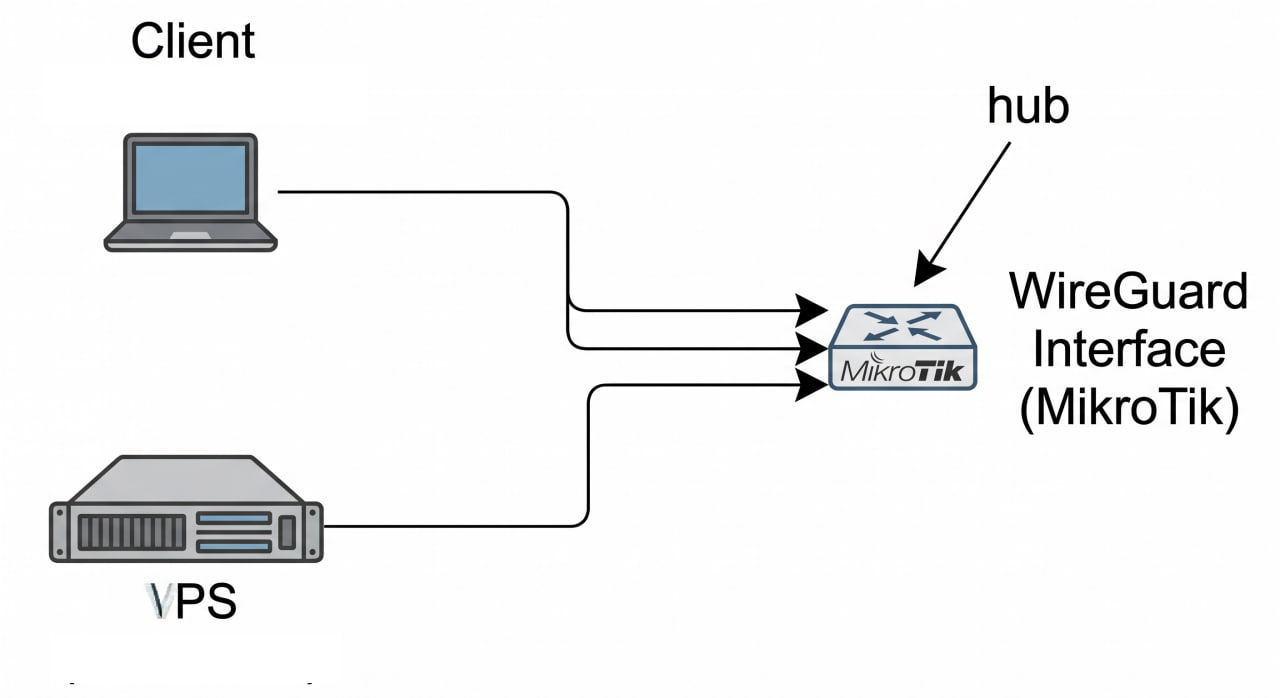
This post summarizes a real debugging and configuration process to make two WireGuard peers ping each other through a MikroTik router acting as the central hub.
Context Topology:
Peer A (Client) (10.10.0.10) --+ +--> WireGuard Interface (MikroTik) <-- hub VPS (10.10.2.1) ---------------+ Environment:
MikroTik router acts as the WireGuard hub, with 10.10.0.1/24 on the WG interface. Peer A (Client) connects to WG with 10.10.0.10/32. VPS connects to WG with 10.
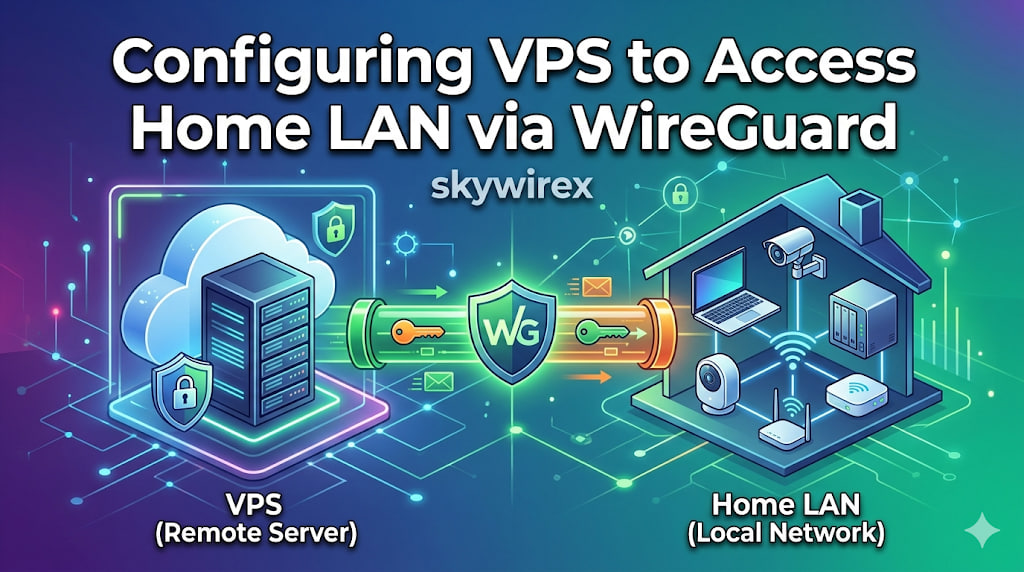
This article explains a setup where a VPS sends traffic through a home Internet connection using WireGuard, while still allowing access between the VPS and the home LAN.
Topology Internet <-> MikroTik (pppoe-out1) - Dynamic home IP via DDNS <-> WireGuard tunnel VPS (203.0.113.10) - wg0: 10.10.2.1/24 <-> LAN 172.16.0.0/24 1. VPS - /etc/wireguard/wg0.conf [Interface] Address = 10.10.2.1/24 ListenPort = 51820 PrivateKey = <private_key_vps> PostUp = iptables -A FORWARD -i %i -j ACCEPT; iptables -t nat -A POSTROUTING -o eth0 -j MASQUERADE; iptables -A FORWARD -o %i -j ACCEPT PostDown = iptables -D FORWARD -i %i -j ACCEPT; iptables -t nat -D POSTROUTING -o eth0 -j MASQUERADE; iptables -D FORWARD -o %i -j ACCEPT [Peer] # MikroTik PublicKey = <public_key_mikrotik> AllowedIPs = 0.
This guide provides a comprehensive walkthrough on establishing a secure WireGuard VPN connection between a Virtual Private Server (VPS) and a MikroTik router, enabling seamless access to your home Local Area Network (LAN) from your VPS. It details the necessary configurations for both the VPS and the MikroTik device, covering crucial steps such as WireGuard interface creation, peer setup, IP address assignment, routing, firewall rules, and Network Address Translation (NAT). By following these instructions, you will be able to securely extend your home network’s reach to your VPS, allowing you to interact with LAN devices as if you were directly connected.
Most home internet connections use dynamic IP — meaning your public IP changes from time to time. This is a problem if you host services at home such as:
Home server / NAS CCTV / Camera system Remote SSH / RDP access VPN for remote connection Docker self-hosted applications When the IP changes, your domain stops pointing to the correct server, and all remote access fails. The best way to solve this is to automatically update your domain’s DNS record every time your router’s IP changes.
Bài viết này ghi lại quá trình cấu hình ban đầu cho Router MikroTik, cụ thể là model MikroTik RB750Gr3. Đây là một hướng dẫn chi tiết giúp bạn thiết lập và tối ưu hóa thiết bị để đáp ứng các yêu cầu mạng của mình. Router MikroTik là dòng thiết bị cân bằng tải với hiệu năng mạnh mẽ, độ ổn định cao và giá thành phù hợp, hiện đang được sử dụng rất phổ biến tại Việt Nam.